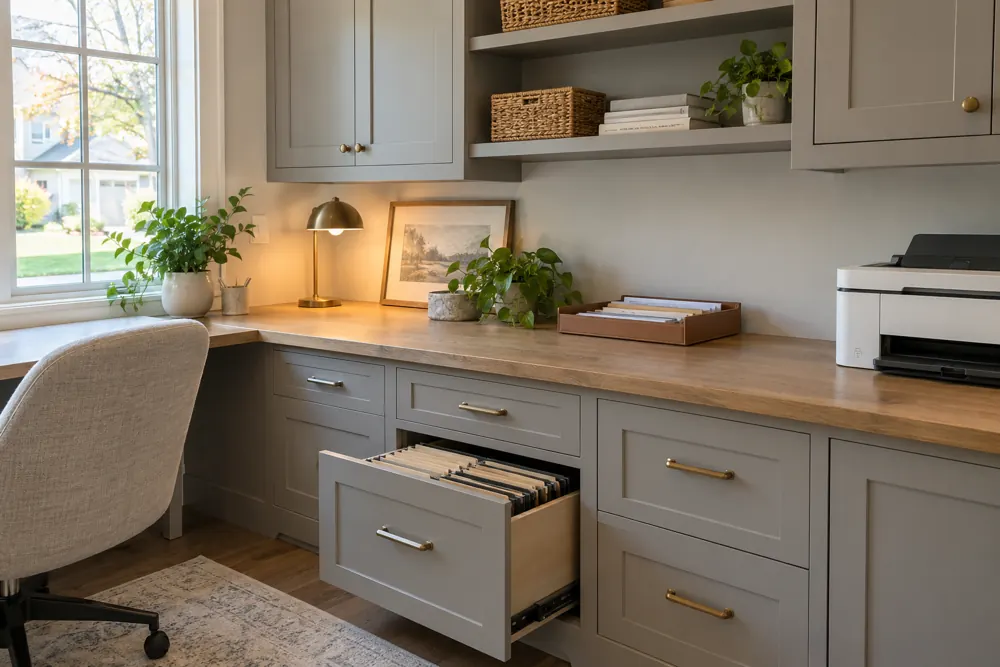
A useful printer cabinet accommodates the printer while it is working, being refilled and being maintained. Measure the open trays and access panels, and check the manufacturer’s operating clearances before choosing a shelf or enclosed cabinet.
Measure the printer in three states
Start with the printer closed, then open the paper trays and scanner lid as you normally use them. Finally, open the panels needed for replacing ink or toner and clearing a paper jam. These three states can require very different amounts of space.
Keep the make and model information with your measurements. A product listing’s width and depth may describe the closed unit only. Review the manufacturer’s instructions for the actual model so the cabinet can be planned around its recommended clearances and access requirements.
Choose whether it will operate inside the cabinet
A closed door can hide a printer between tasks, but operation inside an enclosure needs separate consideration. Follow the printer manufacturer’s ventilation, electrical and clearance instructions. The cabinet should not force cables against the wall or block a required vent.
If the machine must move onto a work surface for use, consider its weight and where it will be set down. A storage shelf is not automatically a suitable operating surface. Discuss the equipment weight and selected hardware with the designer, including any proposed moving shelf.
Leave room for the maintenance task
Replacing a cartridge can involve lifting the scanner unit, reaching from the side or removing a rear panel. Think about where your hands and body go during those movements. A printer that slides out a little way may still be difficult to maintain if the rear remains inaccessible.
Paper storage belongs in this discussion as well. Keep refills where they can be carried to the tray comfortably, following the paper and device manufacturers’ storage guidance. Avoid filling the last available space around the machine with spare supplies that must be removed every time it needs attention.
Allow for changes in equipment without assuming a future model will fit. Keep a record of the cabinet opening and the useful interior dimensions. When replacing the printer, compare its operating requirements with that record before buying it, including the direction in which paper loads and the access needed at the rear.
- Check access to the power connection.
- Measure open input and output trays.
- Allow for cartridge replacement and jam-clearing panels.
Plan the cable route before the cabinet back
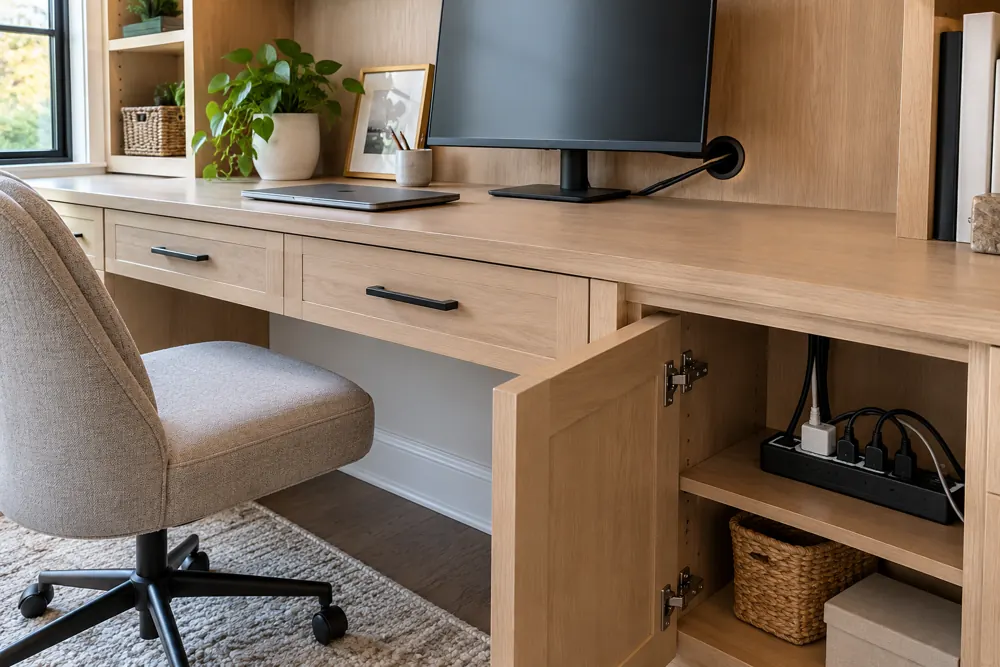
Identify the power and data connections the printer uses. Include any cable or plug projections in the measurements and make sure the route remains accessible. A tidy cable path should not require dismantling the cabinet to replace a damaged lead.
If the printer connects wirelessly, it still needs power and may occasionally need direct access for setup or maintenance. Keep the connection details available for the designer. Electrical work, if required, should be discussed separately with an appropriately qualified professional.
Plan for output that extends beyond the machine
Printed pages may project farther than the printer’s case before they settle into the output tray. Test a normal batch and note where the sheets land. A cabinet door or nearby pile of files can interfere with that path even when the machine itself fits. Include that working space in the layout discussion.
Test one normal working session
Walk through a small print job from beginning to end. Retrieve paper, load the tray, collect the output and return unused supplies. Then think about scanning a document or printing a larger batch. Each task can reveal a different conflict with doors, desk seating or nearby file storage.
Bring photographs of the device with its trays and service panels open to your consultation. Tell FG whether you want the printer concealed between uses or accessible throughout the working day. A fitted office can make room for equipment and records together, but the layout should follow your actual printer and operating instructions. Keep the final specifications available when reviewing the cabinet proposal so the selected design supports the machine you intend to use.
Keep planning
Discuss this layout for your home.
Bring the printer model, operating instructions and open-tray measurements to your free home-office design consultation.
FG Home and Closets designs and installs storage throughout Chicagoland from its Aurora base. Share your room, priorities and ZIP code to start a free design consultation.
Explore home offices